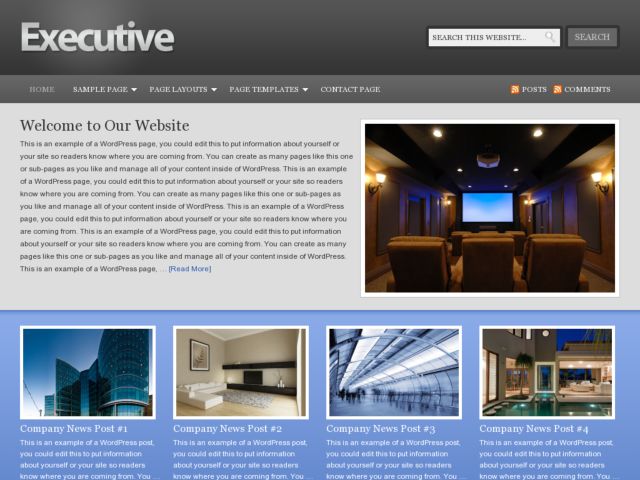
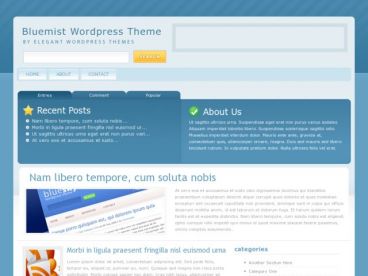
Executive WordPress Theme By StudioPress, Theme Type: Business, Multi-Purpose , free trial: available
Executive WordPress Theme
Studiopress Executive is a business style premium wordpress theme heme from Studiopress. Executive theme have 4 different custom page layout options with ability to display images or video on the homepage,. Theme is SEO optimized for posts/pages a theme options panel and more.
Executive INSTALL:
1. Upload the theme folder via FTP to your wp-content/themes/ directory.
2. Go to your WordPress dashboard and select Appearance.
3. Select Core WordPress theme.
4. Inside your WordPress dashboard, go to Appearance > Executive Theme Options and configure them to your liking.
SIDEBAR WIDGETS:
Sidebar – This is the main sidebar if you are using the Sidebar/Content, Content/Sidebar or Sidebar/Content/Sidebar Blog Layout option.
Sidebar Alt – This is the left-hand sidebar if you are using the Sidebar/Content/Sidebar Blog Layout option.
THEME TUTORIALS:
For more help in getting started with the Executive theme, you can view the theme tutorials at studiopress support
If you are looking for theme support, please visit studiopress
Executive Theme Package $59.95
Pro Plus All-Theme Package $199.95