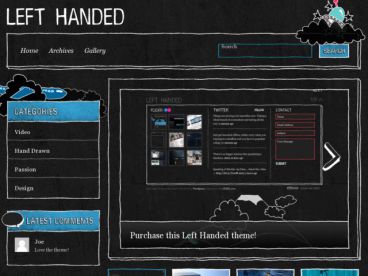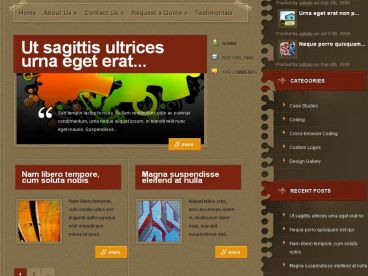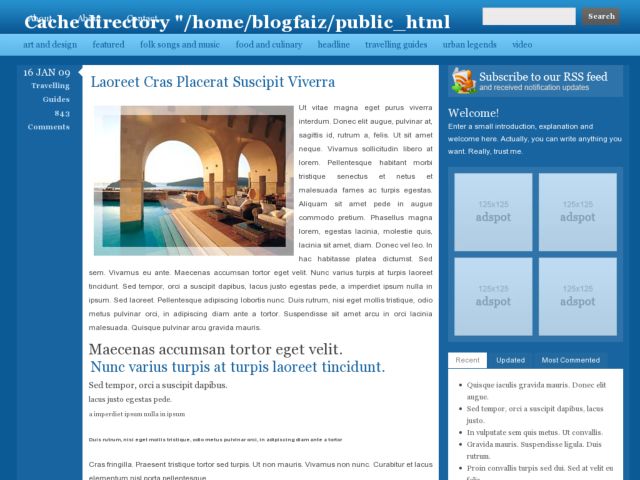

Royazzuri WordPress Theme By CamelGraph, free trial: available
Royazzuri Theme with some features like Custom Font Logo and 125Ads Block Ready
How to install the Royazzuri WP Theme
1. UnZIP the file, you will get two folder : ‘royazzuri’ and ‘ttftitle’
2. Upload the ‘royazzuri’ folder to your ‘wp-content/theme’ directory
2. Upload the ‘ttftitle’ folder to your ‘wp-content/plugins’ directory.
4. Inside the ‘ttftitle’ dir, there is a folder named “cache”, CHMOD this directory to 777
5. Activate the “ttftitle” plugin from your WP Admin Page.
6. Activate your royazzuri theme.
Royazzuri Mirror Download
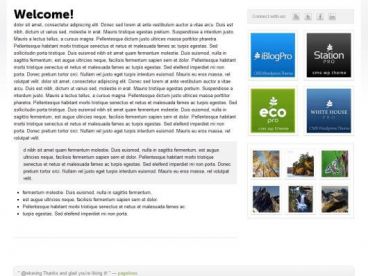
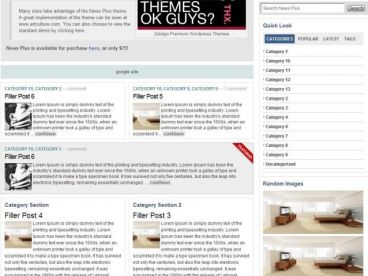
Royazzuri Related Themes